Bingo cards › Kids & Classroom › Telling Time Bingo
Free Printable Telling Time Bingo Cards
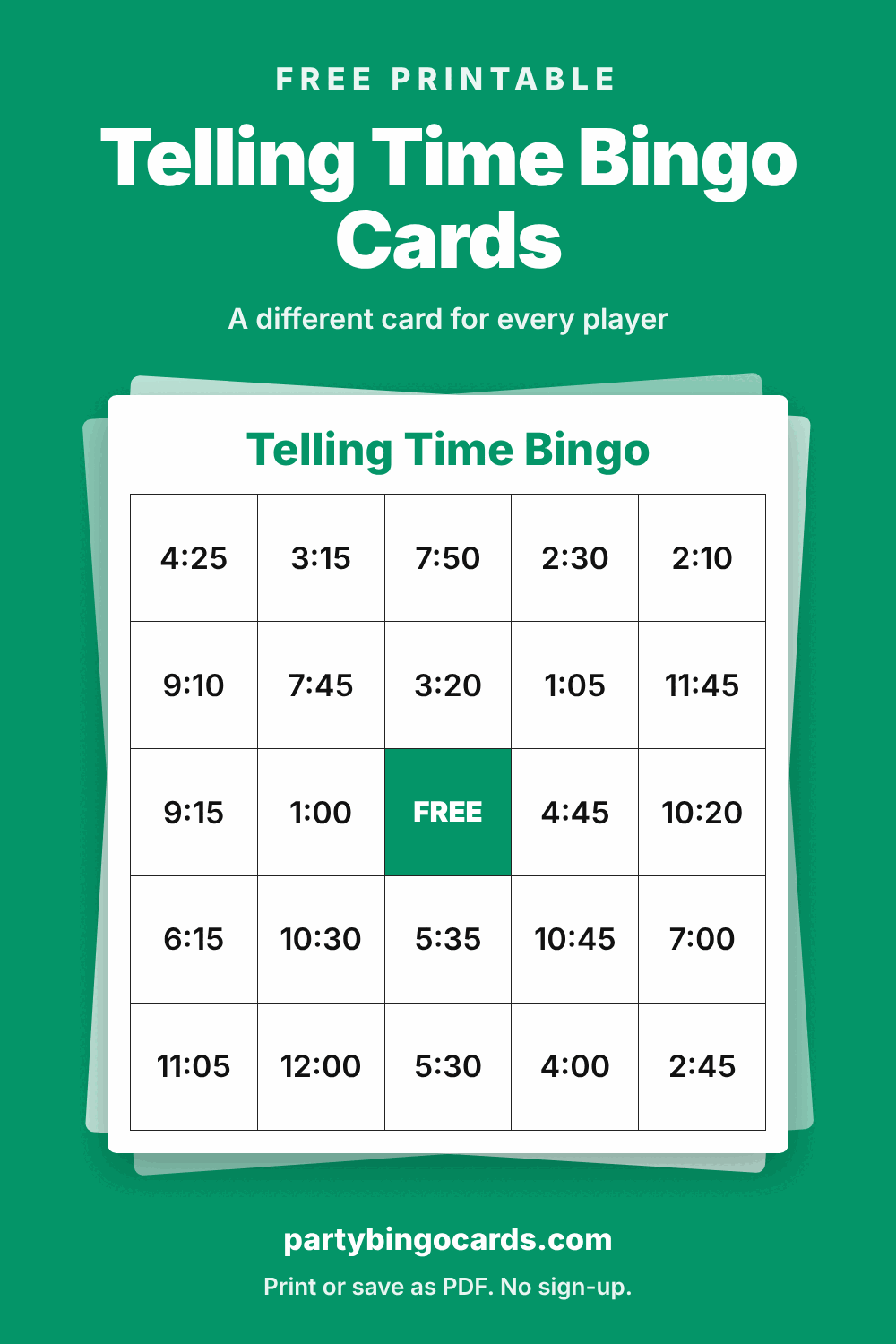
Students read an analog clock and find the matching digital time on their card. The caller sets the hands on a teaching clock, or says the time in words such as "quarter past three" or "ten minutes to eight", and anyone with 3:15 or 7:50 covers it. The list mixes o'clock, half past, quarter hours and five-minute times.
How to play telling time bingo
- Set the number of players, then press Print or save as PDF. Each player gets a different card.
- Call items in random order with the built-in caller, or use the printed call list.
- Players mark each called square. The first to complete a row, column or diagonal shouts "Bingo!"
Tip: First graders who are learning hours and half hours can play with a shorter list: replace it with the 24 hour and half-hour times from 1:00 to 12:30. With older students, give elapsed-time clues such as "15 minutes after 4:30".
Telling Time Bingo word list
These 32 items are loaded into the generator above. Edit, remove or add your own before printing.
- 1:00
- 1:05
- 1:15
- 2:10
- 2:30
- 2:45
- 3:15
- 3:20
- 4:00
- 4:25
- 4:45
- 5:30
- 5:35
- 6:15
- 6:40
- 7:00
- 7:45
- 7:50
- 8:30
- 8:55
- 9:00
- 9:10
- 9:15
- 10:20
- 10:30
- 10:45
- 11:05
- 11:30
- 11:45
- 12:00
- 12:15
- 12:40
Bigger group? Get the Unlimited Pass
Printing is free for up to 10 cards per game. For classrooms, large showers, fundraisers and company events, the Unlimited Pass prints up to 500 unique cards per game without the site footer, on every theme, for 12 months. It costs $7.99 once. There is no subscription and no account.
See the Unlimited PassMore kids & classroom bingo cards
- Counting Money Bingo
- Place Value Bingo
- Numbers 1 to 30 Bingo
- Geometry Vocabulary Bingo
- Kindergarten Sight Words Bingo
- First Grade Sight Words Bingo
- Second Grade Sight Words Bingo
- CVC Words Bingo
- Rhyming Words Bingo
- Blends and Digraphs Bingo
All kids & classroom bingo cards
Questions and answers
Are the bingo cards really free?
Yes. You can print up to 10 unique cards per game at no cost, as often as you like, without creating an account. The optional Unlimited Pass is for larger groups.
How do I save the cards as a PDF?
Press "Print or save as PDF". In the print window choose "Save as PDF" as the printer. On a phone, use the share or print option in the preview that opens.
Is every card different?
Yes. Each card is shuffled separately from your list, so players cannot all win at the same time. The more items your list has beyond the number of squares, the more the cards differ.
Can I use my own words?
Yes. Replace the list with your own words or phrases, one per line. A 5×5 card with a free space needs at least 24 items, a 4×4 card needs 16 and a 3×3 card needs 8.
What paper should I use?
Normal printer paper works. Card stock lasts longer if you plan to reuse the cards. The layout fits both US Letter and A4.